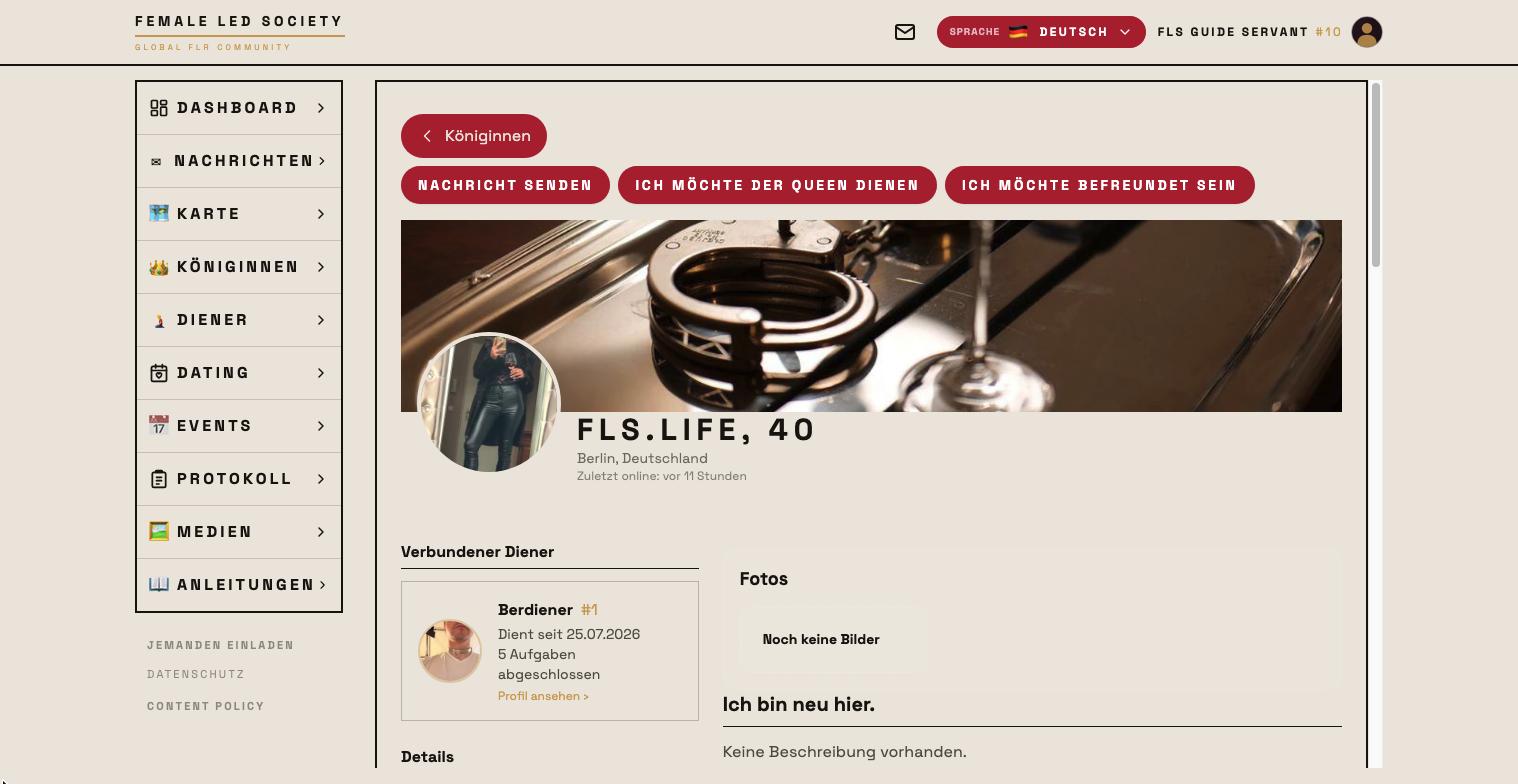
The connection between a queen and a servant is the heart of the Female-Led Society: only once a connection is confirmed can the queen assign tasks to her servant and rate his work. Alongside that there are friendships — casual contacts without any role.
Here we follow Femdom as she takes on Submissive as her servant.
Requesting a connection
The request can come from either side — the wording of the button tells you which:
| Where | Button |
|---|---|
| Queen on a servant's profile | Request connection |
| Servant on a queen's profile | I want to serve the Queen |
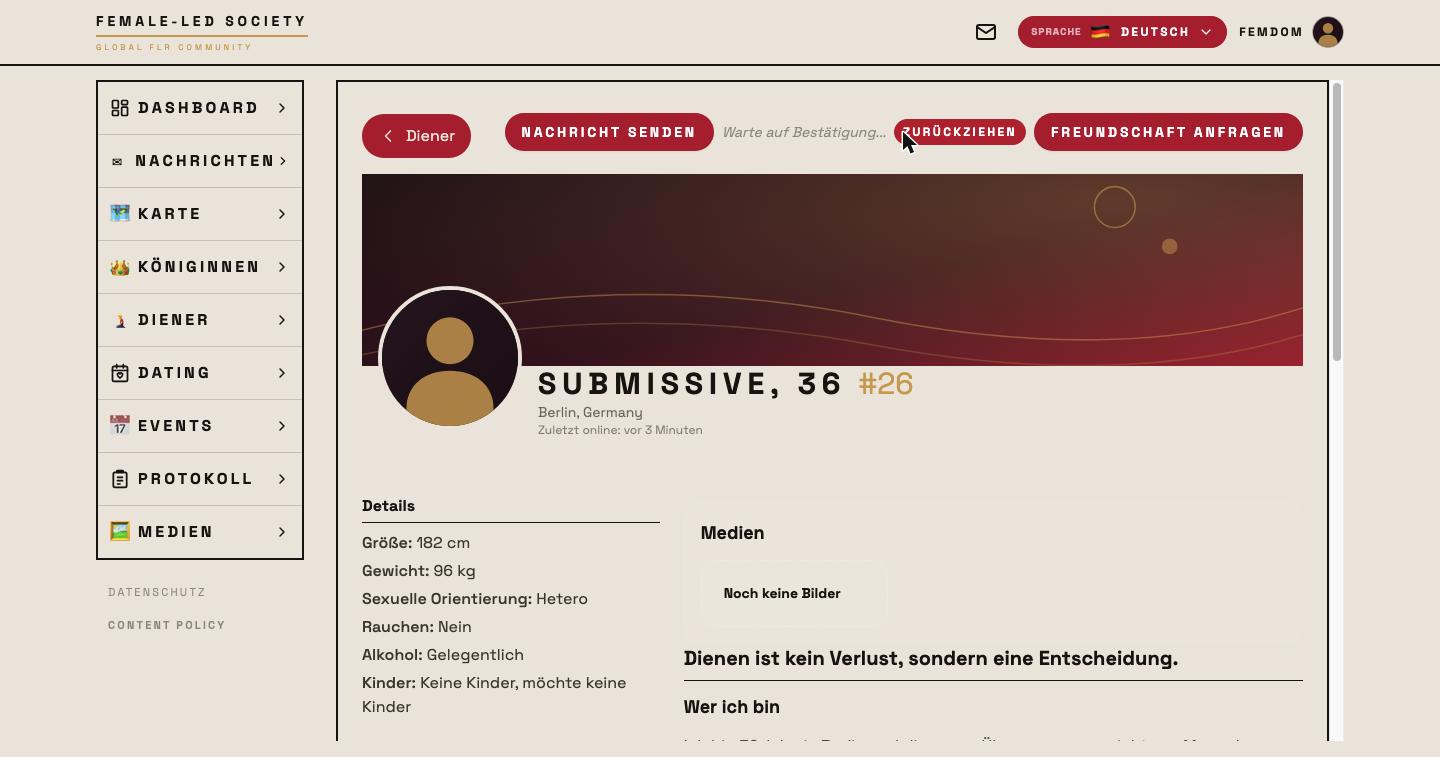
Femdom opens the list of nearby members via Servants in the left-hand menu and clicks on Submissive. His profile shows the available actions at the top:
- Send message — opens the chat (see Messages).
- Request connection — sends the service request.
- Request friendship — sends a friendship request. It disappears once a connection exists.
One click on Request connection is enough. The same spot then reads Waiting for confirmation…, with Withdraw next to it in case she changes her mind:
On her own profile the entry appears under Dominates as Pending.
Answering requests
For Submissive the request shows up on his dashboard under Connection requests, together with who sent it and when:
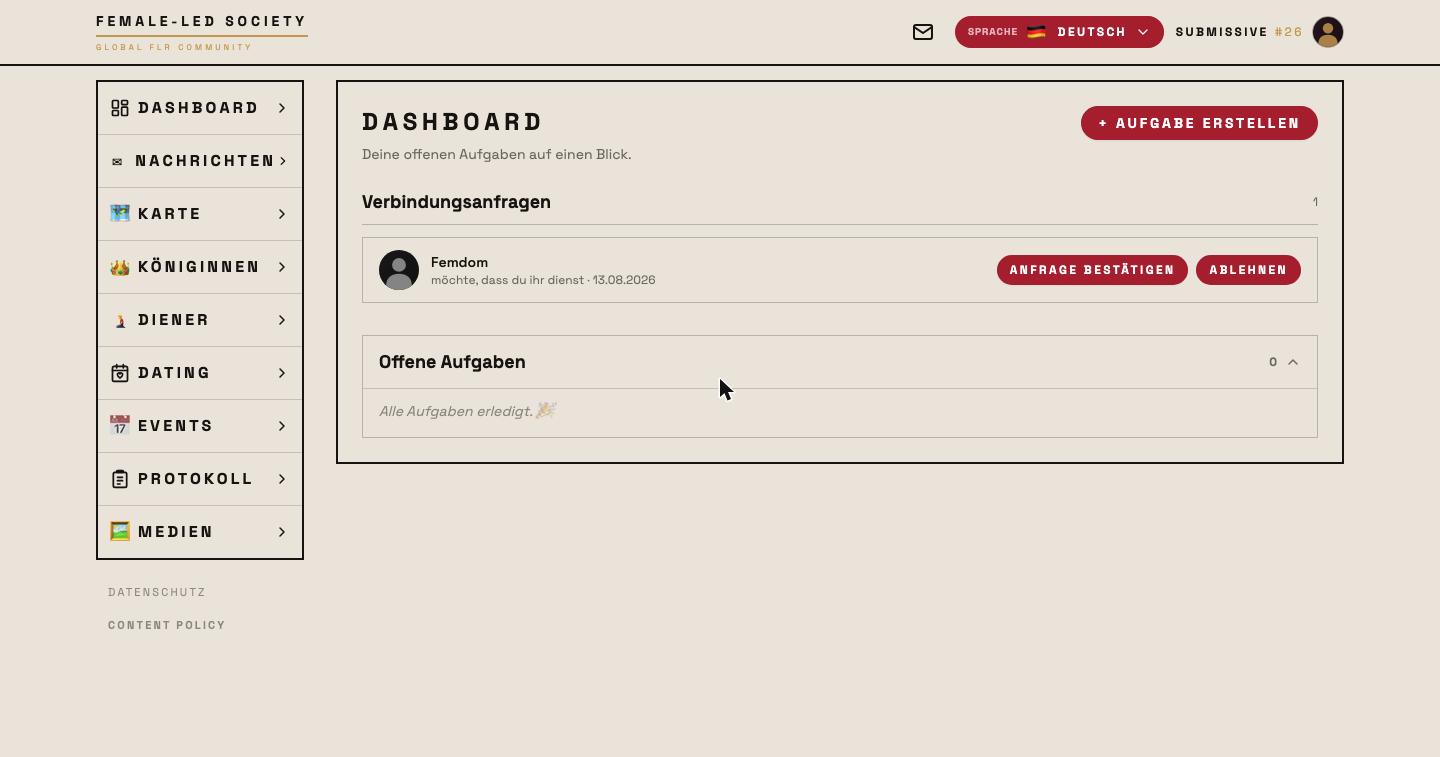
He clicks Confirm request. Decline discards it instead.
After confirmation
The connection now appears on both profiles — under I serve these queens for him, under Dominates for her:
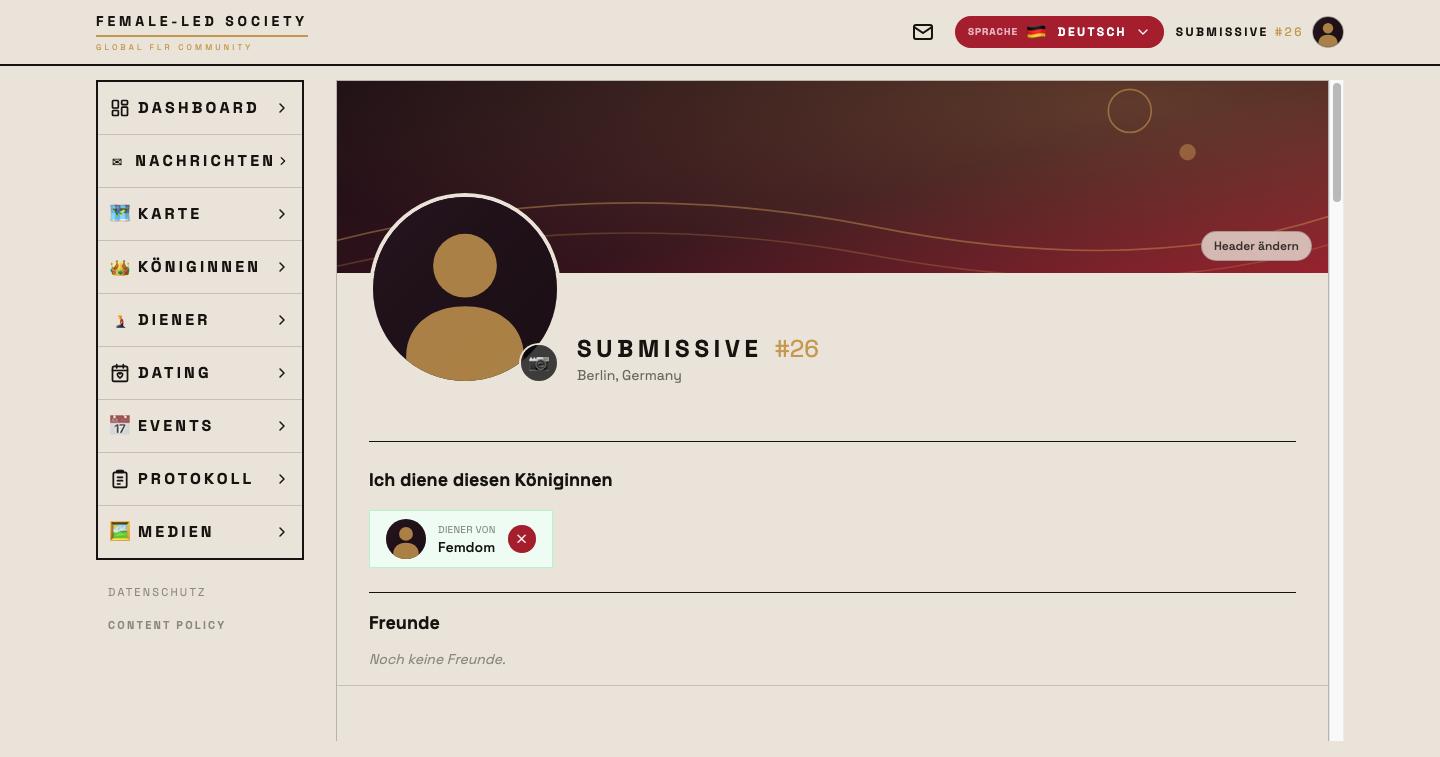
Seen from her side, his profile additionally shows Connected queen, since when he has served and how many tasks he has completed.
What a connection enables
- The queen can assign tasks and goals to the connected servant, rate results, and for missed tasks either impose a punishment or grant mercy (see Tasks).
- Only with a connection can lock-up periods be planned — imposed by her or requested by him (see Chastity).
- The queen's profile publicly shows who serves her — including the number of completed tasks.
- The servant's activity appears in the Protocol and determines his position in the ranking.
None of this works without a confirmed connection: while the request is pending, the + New task button is missing from the servant's profile entirely.
Ending a connection
Either side can end the connection at any time — she via I want to release … on his profile, he via the ✕ next to his queen's entry. Completed tasks and ratings remain in the protocol.
Before the request goes out, a dialog names the consequences: that the connection only comes into effect once the other side confirms, that tasks and goals become possible afterwards and missed tasks are recorded, that it is publicly visible on both profiles — and that it can be dissolved again at any time. Serving is not just another click.
Friendships
Friendships are independent of roles and connections: confirmed friends appear on your profile in the Connections tab under Friends. That keeps you in touch with members you have no service relationship with. A friendship can be ended at any time; afterwards you can send each other a new request.
Next step
With the connection in place, the foundation for daily practice is set: Tasks.